A complete foot-capture kit, in your pocket
Guided TrueDepth scanning, client records, a textured mesh, and exports your lab or CAD software can open. Then design the device in Plantar.
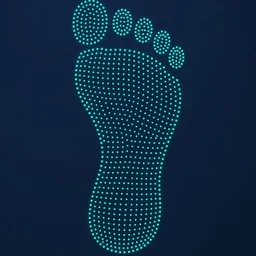 SoleDepth scan of the sole
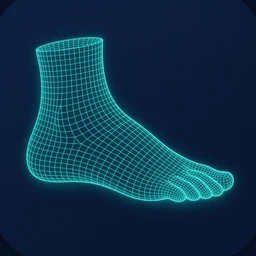 Full footComplete 3D foot
The right scan for the device
Choose the scan type and the quality, then tap the foot on the figure. Foot Positive remembers your last choice and asks for both feet.
- Sole: a depth scan of the sole, for insoles and shells
- Full foot: the complete 3D foot
- Standard: smoother surface, 20–40 cm from the foot
- Fine: sharper detail, 20–25 cm from the sole
Feedback you can hear and feel
The TrueDepth camera faces the foot, so the screen faces away from you. Foot Positive is built for that.
- Live distance in centimetres, green in the sweet spot
- Foot outline with three alignment dots
- Spoken prompts: "Move closer", "Slower", "Done"
- Haptic ticks while you are at the right distance
- Reset at any time; tracking loss pauses the scan
Built on the phone. Sent your way.
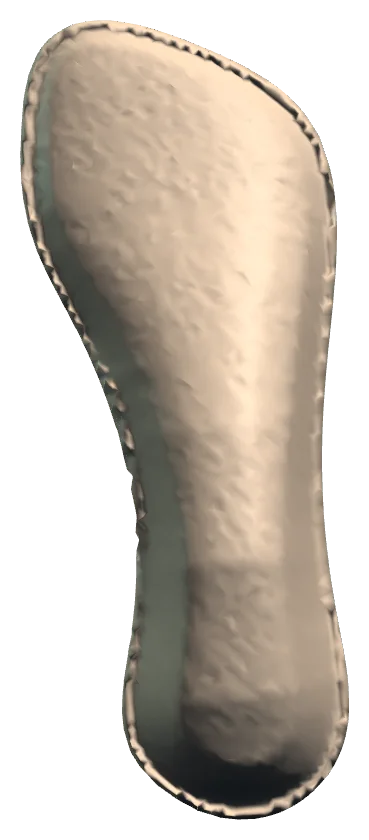
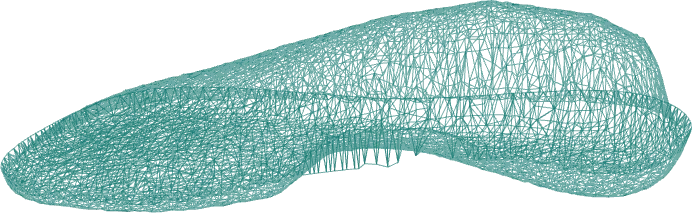
The mesh is fused on the iPhone and cropped to the foot. Check it in wireframe or photo view.
- STL for CAD, labs and printers
- PLY for point and mesh tools
- OBJ + JPG with the colour photo texture
- Share, Save to Files, Email: send both feet at once
Familiar iPhone screens
The client list works like Contacts and Notes. Nothing new to learn for you or your staff.
- Add a client with first name, last name and shoe size
- Left and right saved as one dated set: "Pair ✓"
- Share, Save to Files, Email: send both feet at once
- Swipe or long-press to share or delete
- Delete a client and all their scans in one step
Screens recreated from the app's interface. Demo clients and synthetic geometry, not real people.
Design the orthotic in your browser
Plantar is the orthotic CAD that Foot Positive feeds. It runs at tradd.net/plantar, with nothing to install.
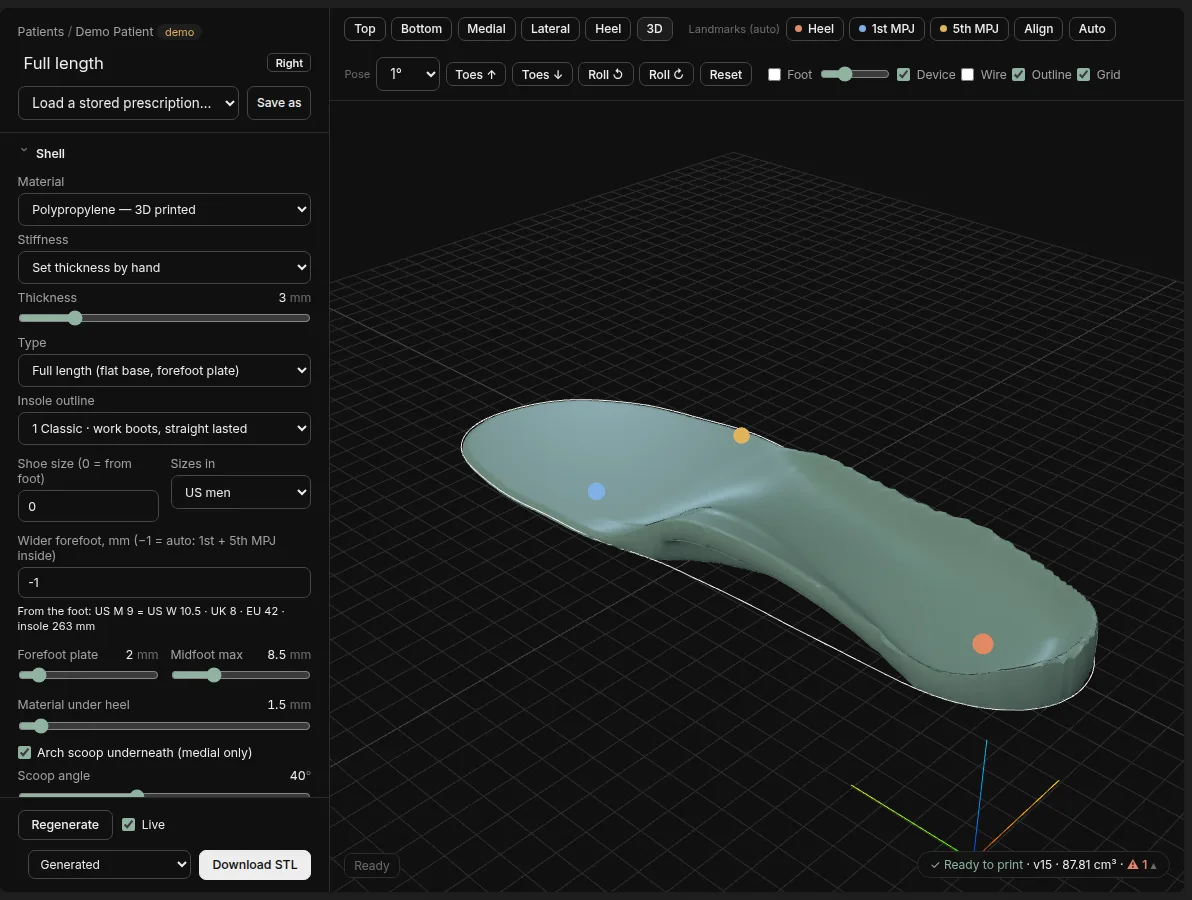
- Templates for rigid 3/4 shells and full-length devices
- Heel cup depth, arch fill, shell thickness and material
- Forefoot plate and additions such as metatarsal domes
- Insole outline sizing in US, UK and EU sizes
- Landmarks (heel, 1st and 5th MPJ) placed for you, adjustable by hand
- Live regeneration as you move a slider
- Print-ready STL with a manufacturing check
Today: export the STL from Foot Positive, then upload it to Plantar.
At a glance
| Device | iPhone with Face ID (TrueDepth camera), iOS 17 or later. |
|---|---|
| Scan types | Plantar surface · Full foot |
| Quality | Standard (20–40 cm) · Fine (20–25 cm) |
| Time | About a minute from start to saved mesh |
| Processing | On the iPhone. No internet needed to scan. |
| Exports | STL, PLY, OBJ with JPG texture |
| Sharing | Share, Save to Files, Email. Send both feet at once. |
| Storage | On the device, per client. Not uploaded unless you export. |
| Android | Not available |
Join the beta
We are opening the iPhone beta to a small group of clinicians in Australia first, then the UK and US. Tell us about your practice and we will send a TestFlight invite.
- No hardware to buy
- Scans stay on your iPhone
- Direct line to the podiatrist who builds it